When a balance doesn’t match
Forgot to record some spending? Correct the balance in one step.
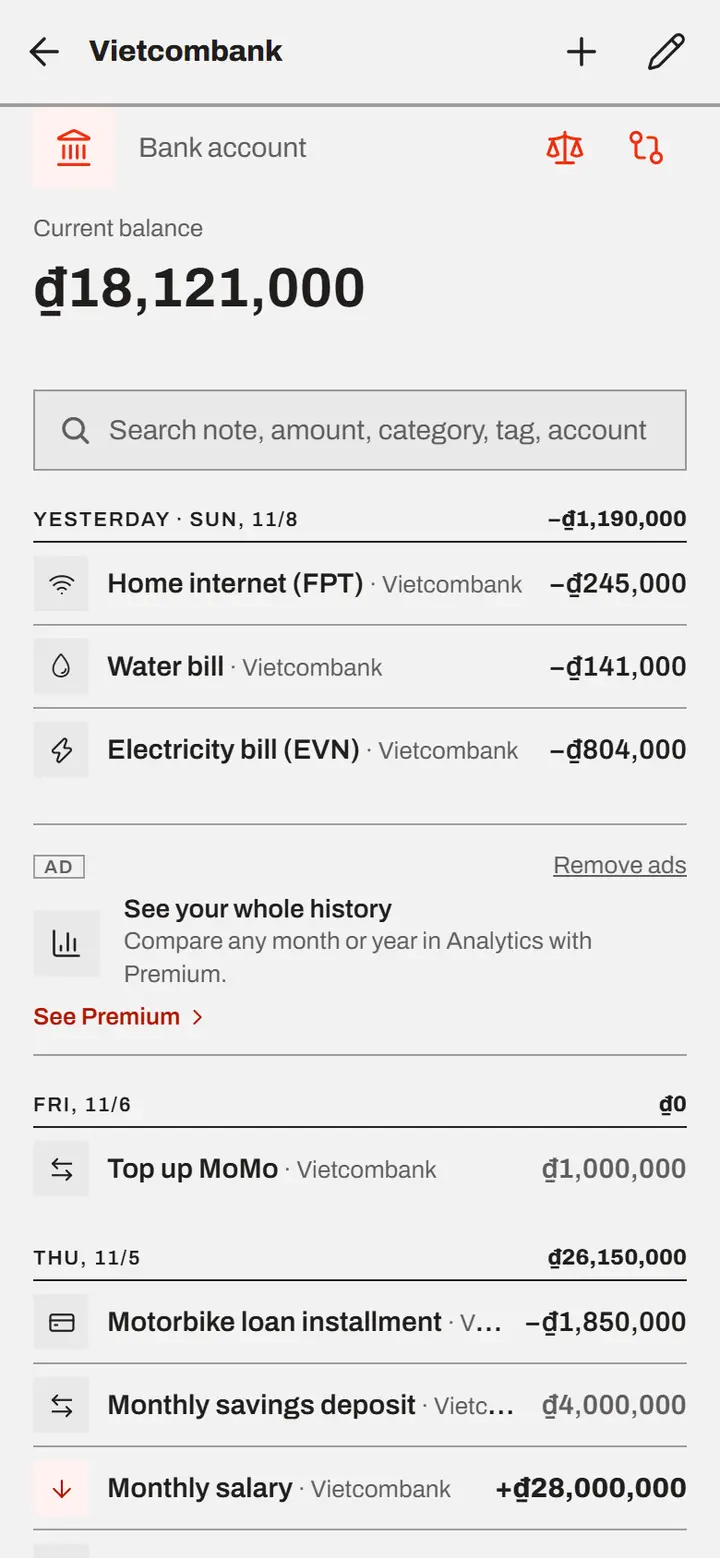
- Open the Accounts tab and tap the account.
- Tap "Adjust balance".
- Enter what the account really holds now (or what you really owe on a card or loan).
- Turn on "Record the missing money as spending" if the difference was really spent, so it counts in your budgets. Leave it off for a plain correction.
- Tap Save.