Loan you took
A bank loan, car or home loan, an installment plan.
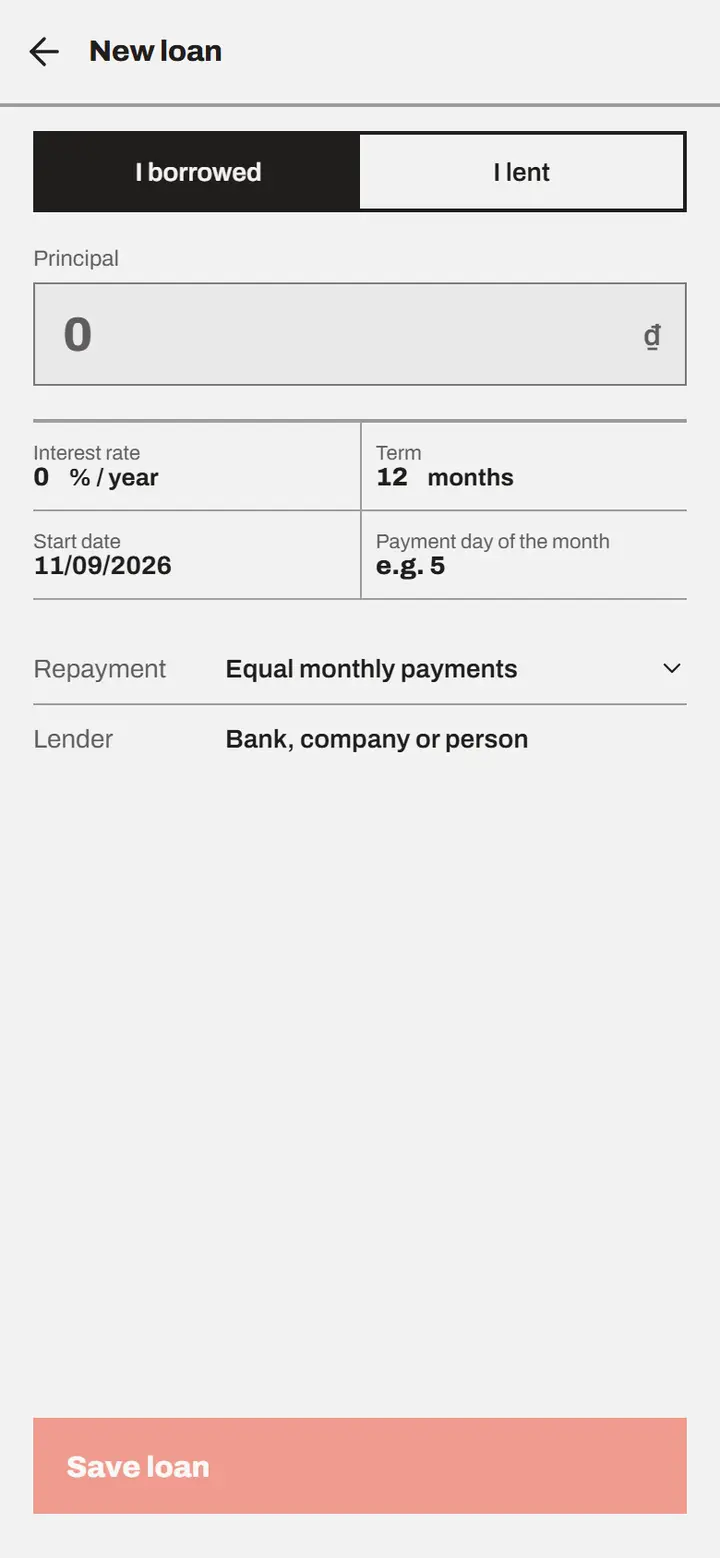
- Accounts → + → Type: Loan. Name it (e.g. "Car loan").
- Choose "I borrowed". Enter the principal, the interest rate per year, the term in months, the start date, the repayment method and the payment day. Lender: the bank.
- Under "Where did the loan money go?": "Into a wallet" if the money landed in one of your accounts (recorded as a transfer, not income); "Already spent" if it went straight to the seller or the loan is old.
- If you already repaid part of it, the app suggests what is still owed from the schedule. Type the figure your lender shows if it differs.
- Save. Every month, open the loan and tap "Pay this installment".