Favorite, order and archive
Keep the list tidy.
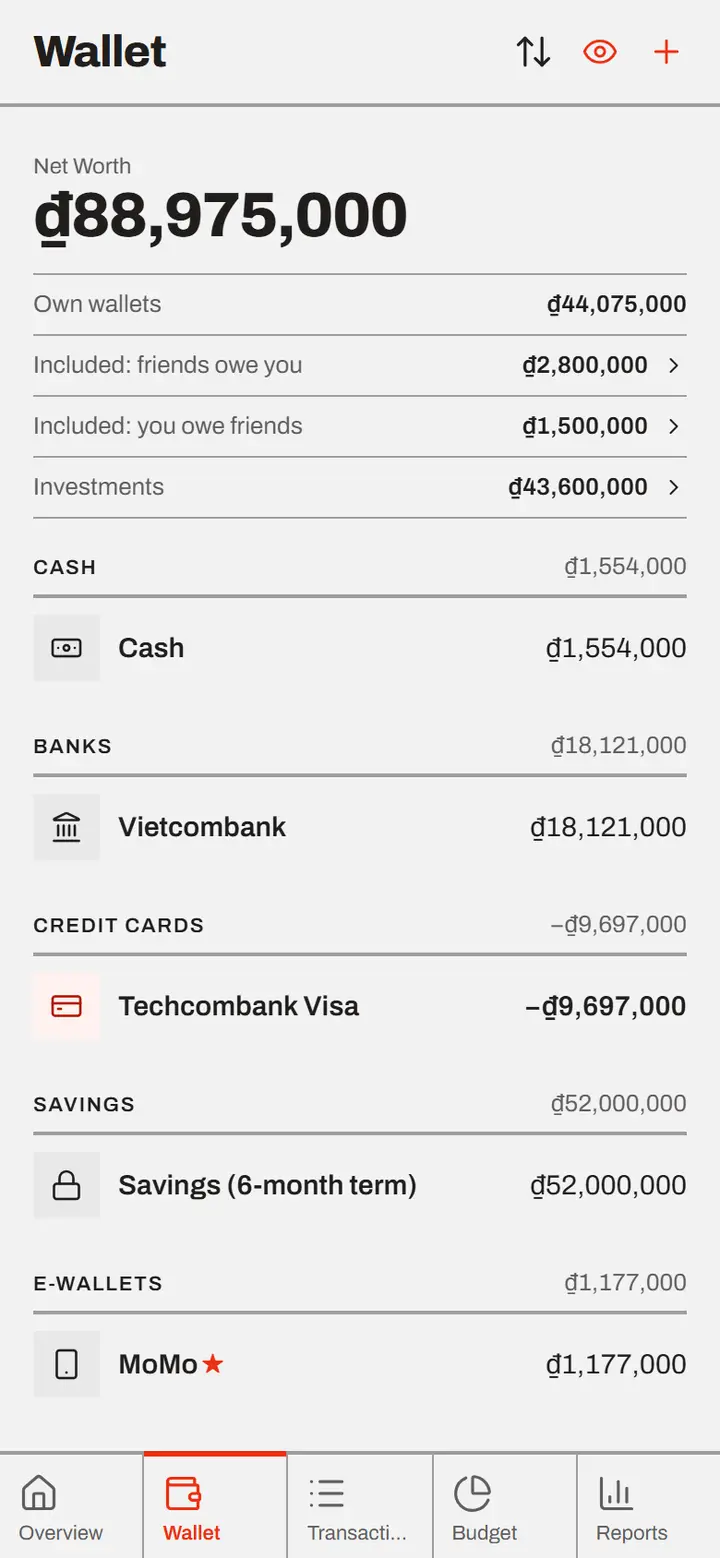
- Press and hold an account on the Accounts tab to open its menu.
- Set as favorite: it is chosen by default when you add a transaction (one favorite at a time).
- Edit: change the name, icon or terms.
- Archive: hides an account you no longer use. Its transactions stay in your history.
- On the web, press and hold then drag an account to change its order within its group.