Budgets
Plan the month or week in groups like Needs, Wants and Savings.
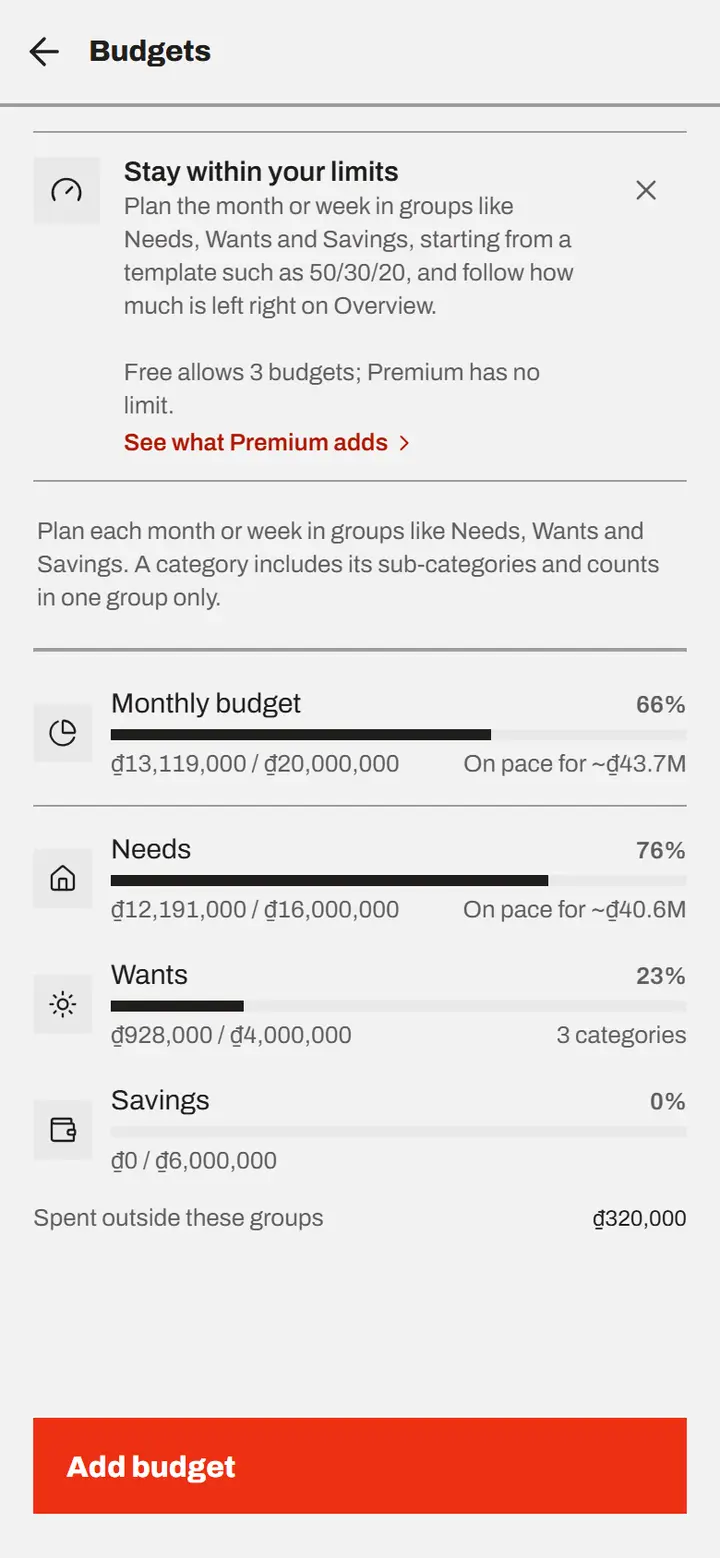
- Settings › Budgets → Add budget.
- Pick a template (Needs / Wants / Savings, 50/30/20, Zero-based) or start from scratch.
- Choose monthly or weekly. Optionally enter your planned income to split it by %.
- For each group, select its categories (a category includes its sub-categories) and set a limit.
- Save. Overview shows how much is left; bars turn amber near the limit and red when over.