Categories and sub-categories
Make the list match how you spend.
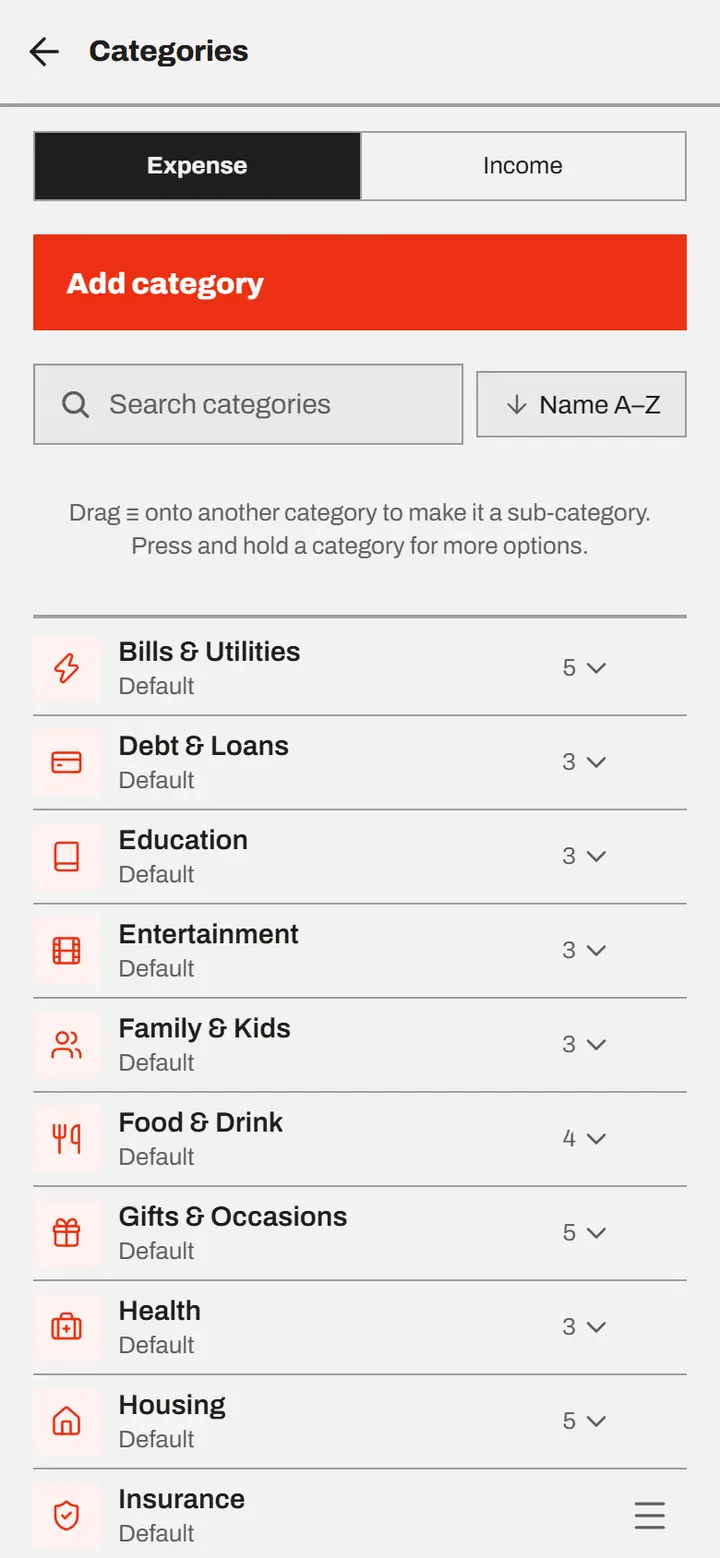
- Settings › Categories. Switch between Expense and Income at the top.
- Tap "Add category". Enter the name, choose the type, a parent category (to make it a sub-category) and an icon. Save.
- To make an existing category a sub-category, drag its ≡ handle onto another category.
- Press and hold a category for more: Edit, Move to…, Pin to top, Delete.
- Pinned categories stay at the top of the list and the first one is chosen by default when adding.