Import and export
Move data in from another app, or keep a copy.
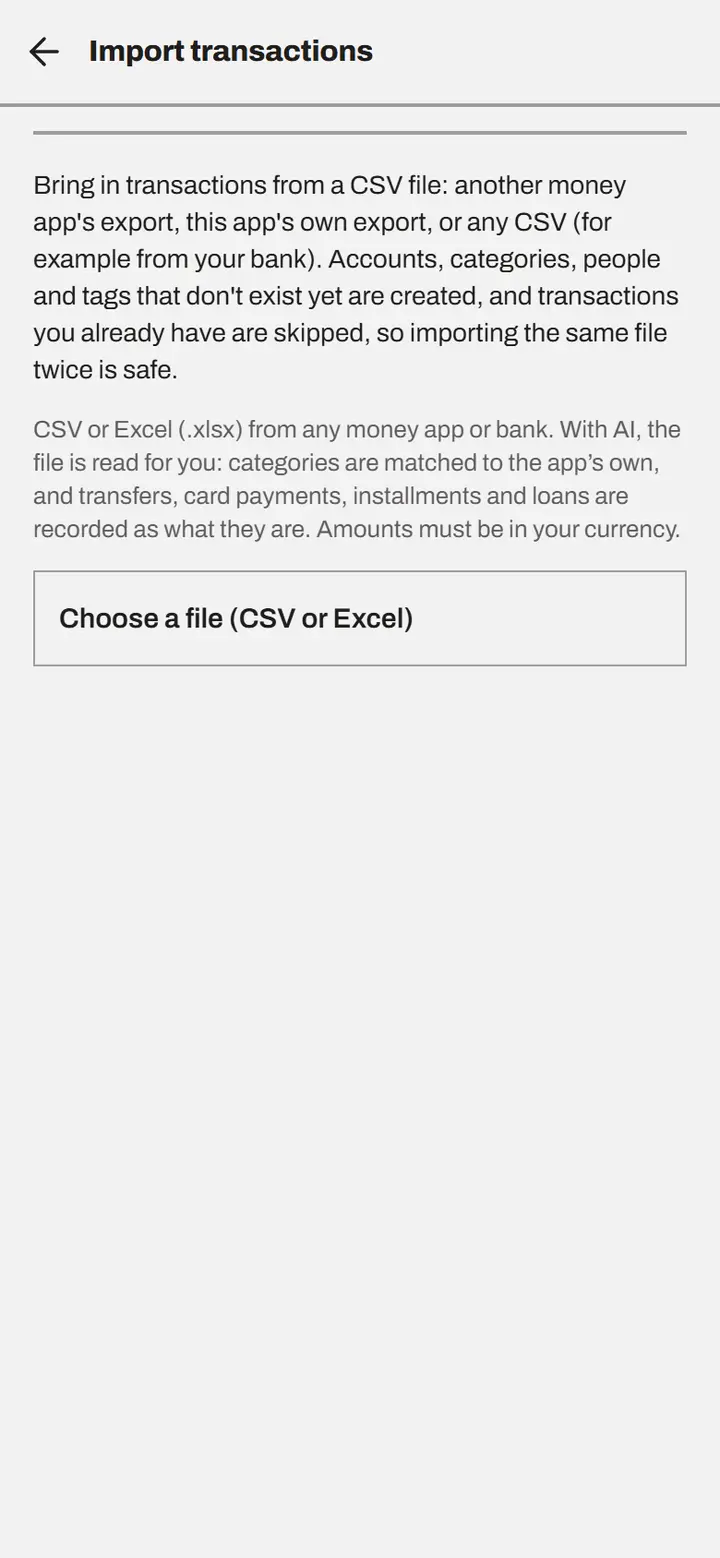
- Settings › Import transactions: choose a CSV or Excel file (another app's export, this app's export, or a bank statement).
- Check the preview: new accounts and categories are created, transactions you already have are skipped.
- Tap Import.
- Settings › Export transactions (CSV) downloads everything to open in Excel or Google Sheets.