Month start day and first day of week
Make "this month" match your payday.
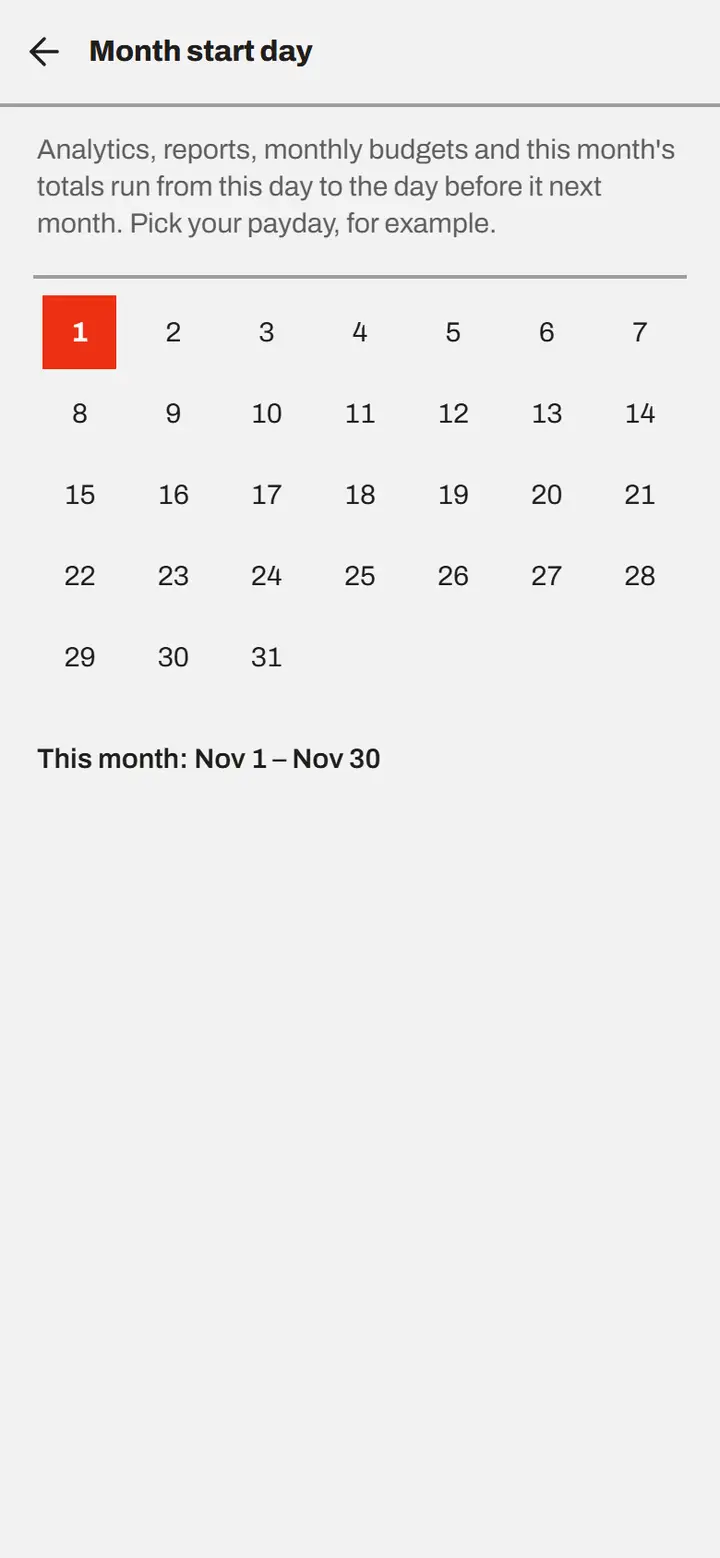
- Settings › Month start day: pick the day your month begins (e.g. your payday).
- Analytics, reports, monthly budgets and this month's totals then run from that day to the day before it next month.
- Settings › First day of week: choose Monday, Sunday… for weekly views and budgets.