Fixing or deleting a transaction
Wrong amount, wrong wallet, recorded twice.
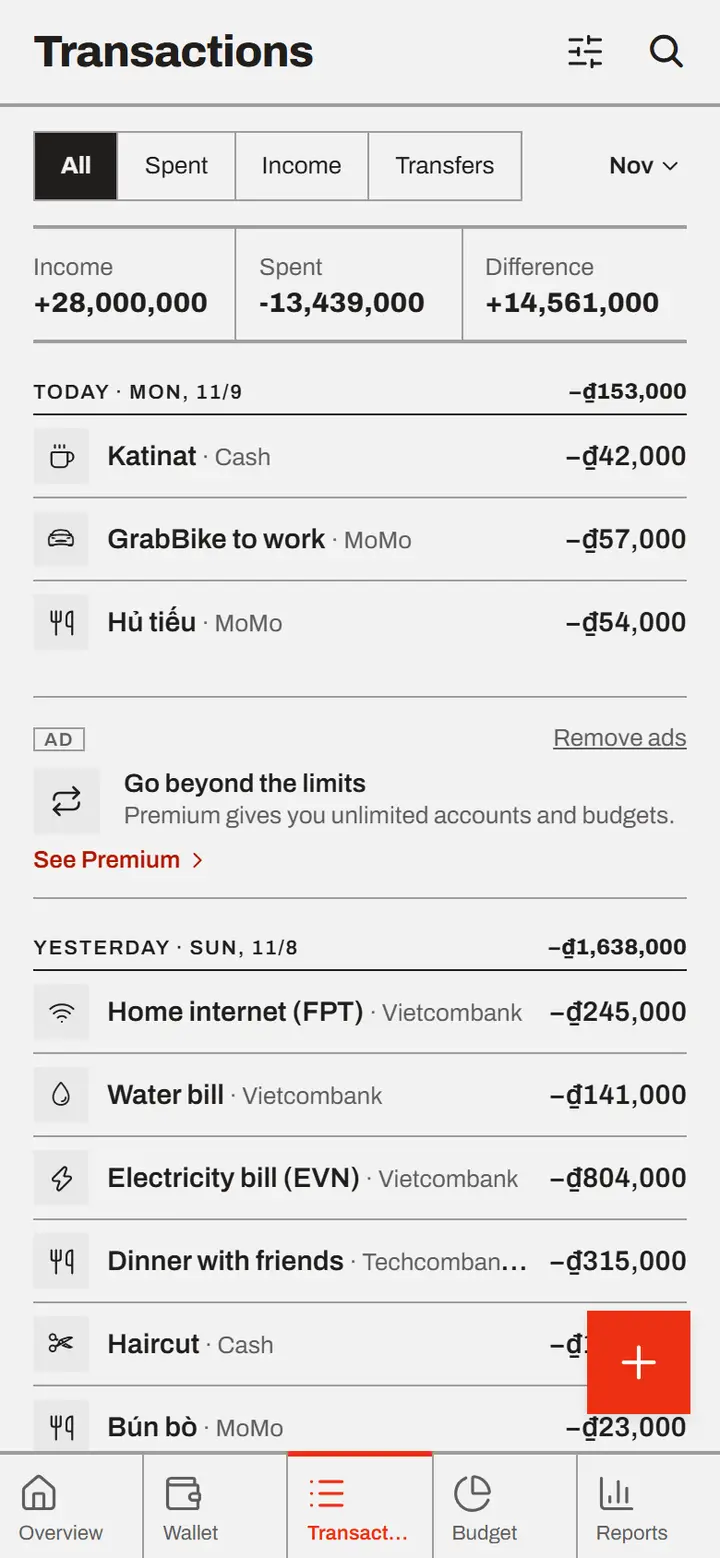
- Find the transaction in any list (Overview, See all, or an account).
- Press and hold it.
- Tap Edit, then the field to change (date & time, amount, category, account, description) and save.
- Or tap Delete and confirm. The account balance goes back as if it never happened.