Paying a loan installment
The monthly payment of a bank loan, a car or home loan.
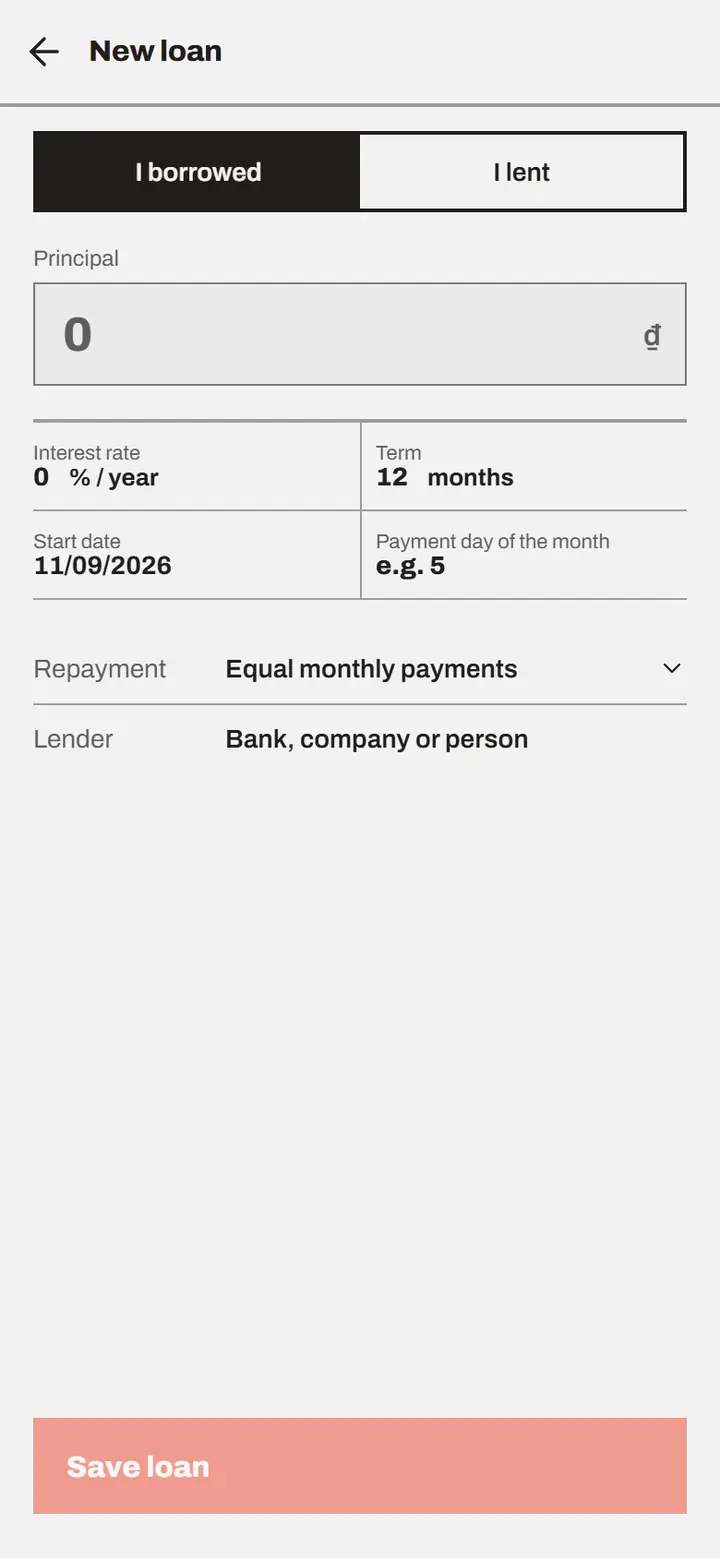
- Add the loan as a Loan account first, with its terms (see Wallets & accounts › Loan you took).
- Open the Accounts tab and tap the loan.
- Tap "Pay this installment". The principal and the interest of this month are filled in from the schedule.
- Change the amounts if you paid more or less, and choose the wallet you paid from.
- Turn on "Ask me every month" if you want the next installment to wait for you on the payment day.
- Tap Save. The principal lowers the debt; only the interest counts as spending.