Installments on a credit card
The bank splits a card purchase into monthly payments at 0%.
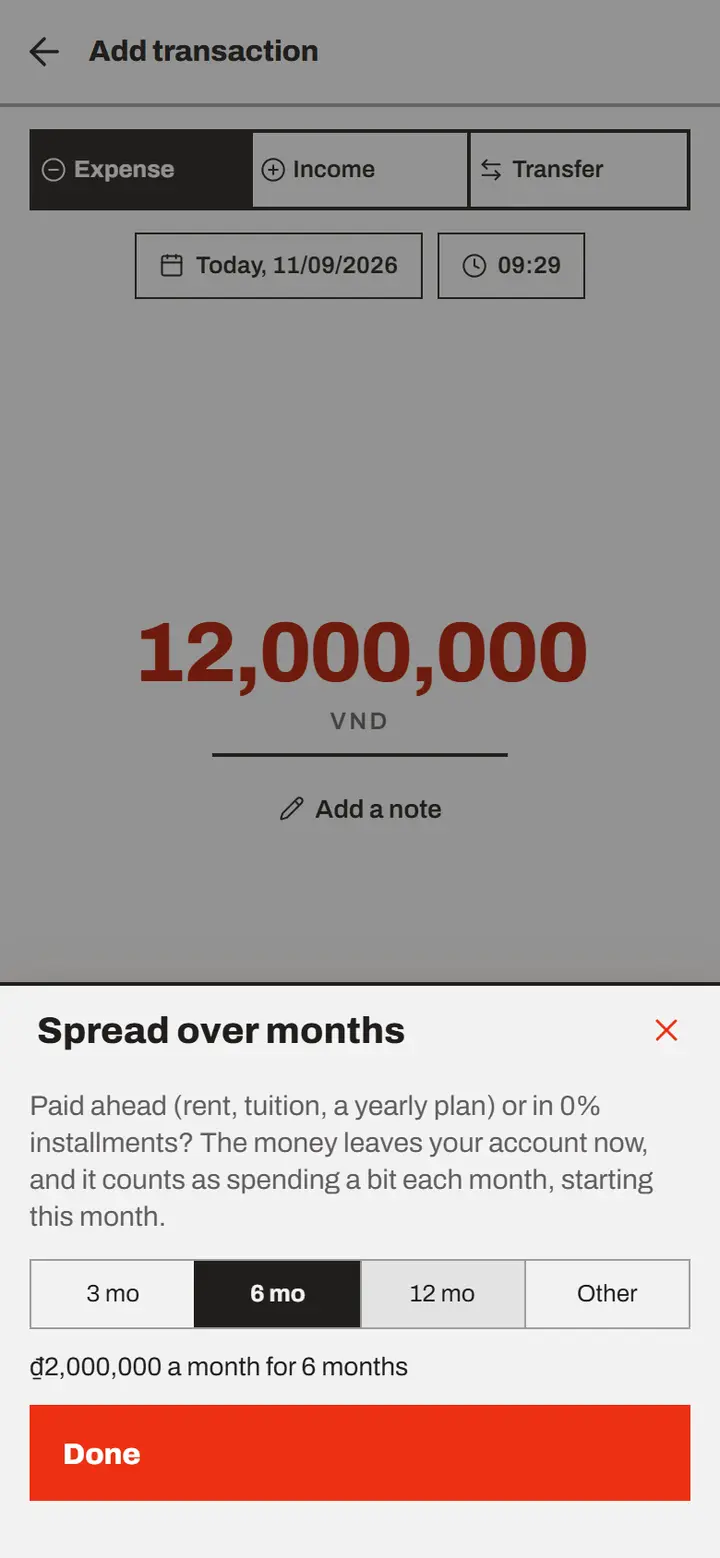
- Tap +, keep Expense, type the full price.
- Account: the credit card. Choose the category.
- Tap the layers icon (Spread over months) and choose the number of months.
- Tap Save. The card owes the full amount now, but the spending is counted a part each month.
- Each month, pay the card bill with a Transfer to the card as usual.