Repeating transactions
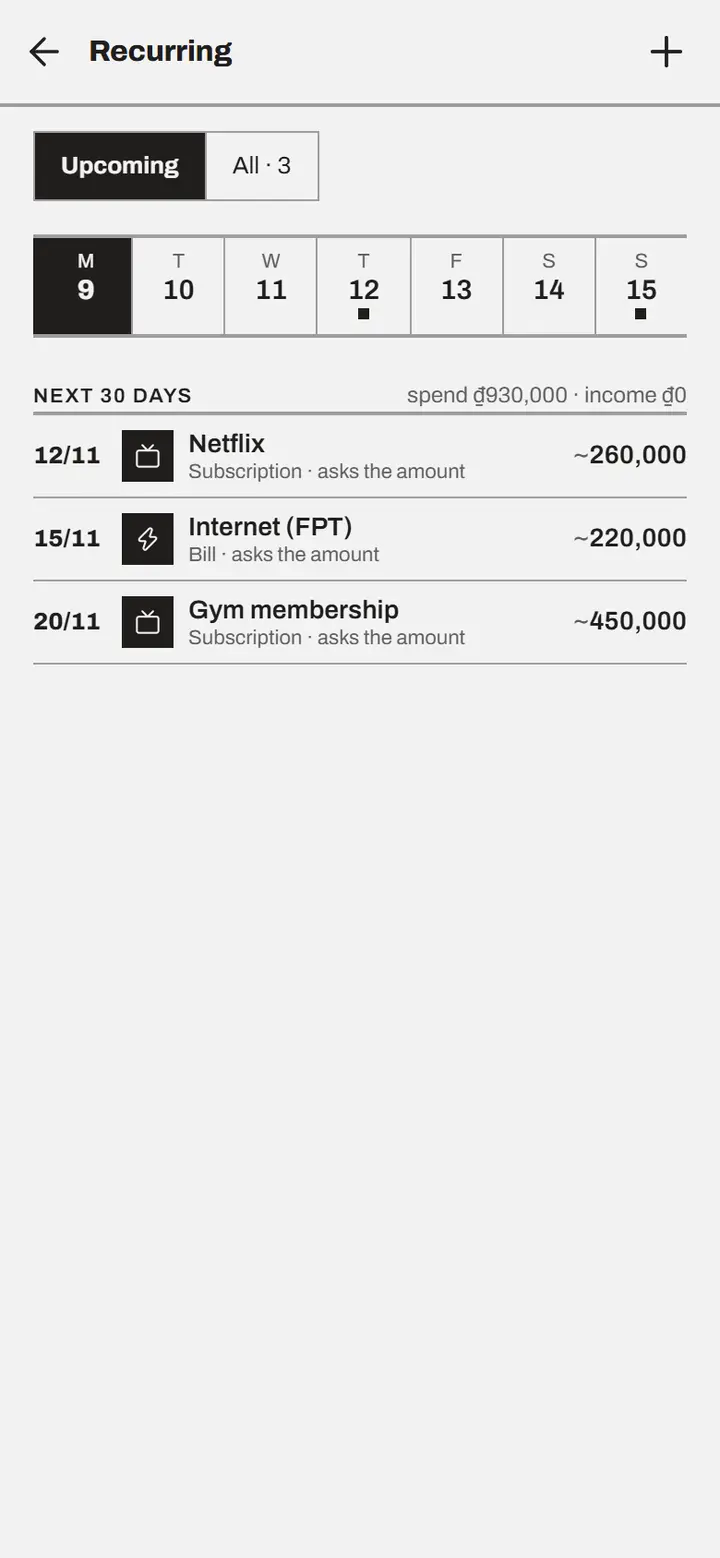
Rent, salary, subscriptions: record them once, they come back automatically.
- Fill in the transaction as usual. Set the date to the first time it happens (it can be in the future).
- Tap the repeat icon. Choose how often: every N weeks, months or years.
- Turn on "Ask me each time" for bills that change (electricity, water): it waits for you to confirm the amount instead of recording it by itself.
- Tap Done, then Save.
- Manage it later in Settings › Recurring transactions: pause, resume or end.