Splitting a bill with friends
You paid for everyone: only your share is spending.
- Add the expense as usual with the full amount you paid.
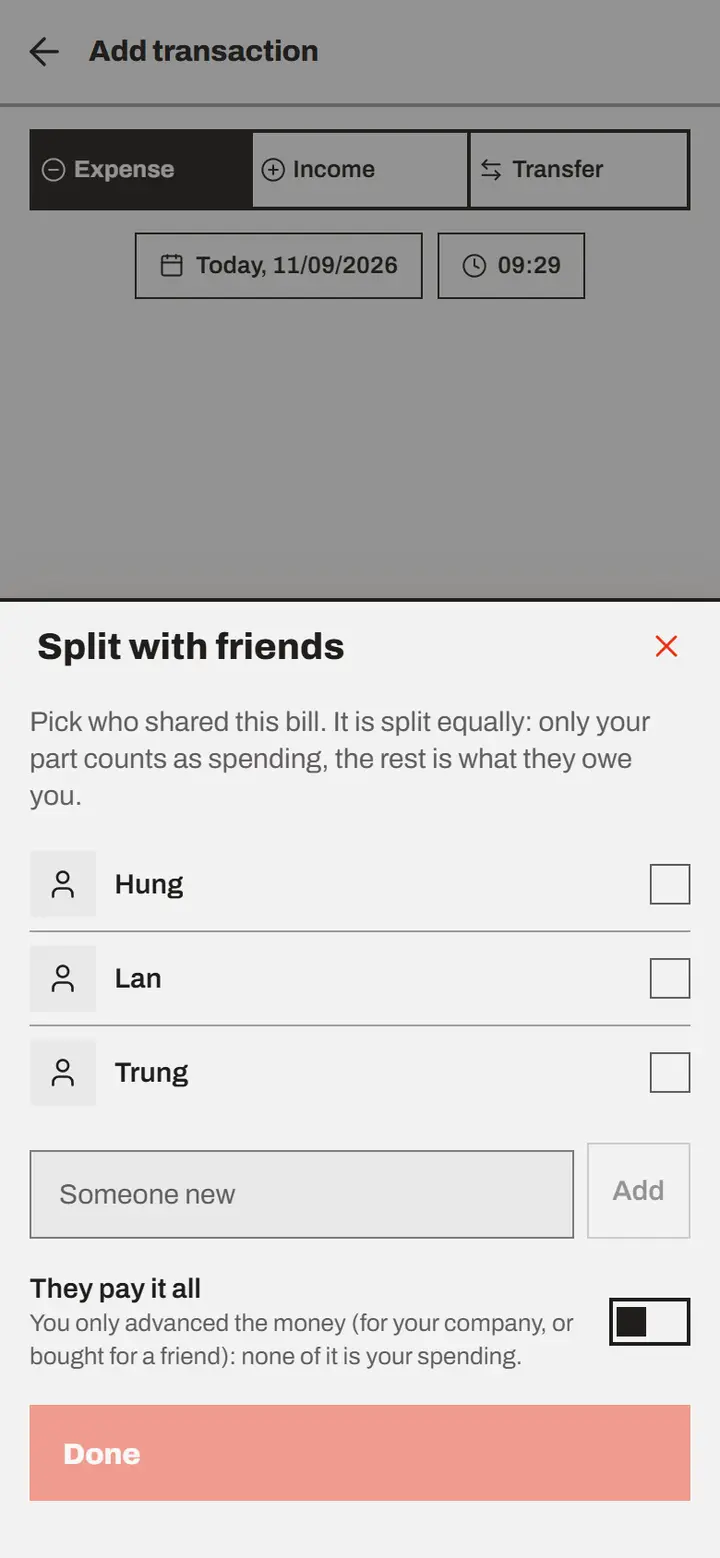
- Tap the people icon (Split with friends) and tick who shared it. Type a name to add someone new.
- The bill is split equally: your part counts as spending, the rest is what each friend owes you.
- If you only advanced the money (for your company or a friend), turn on "They pay it all": none of it is your spending.
- Tap Done, then Save. When they pay you back, use "Got paid back" in Settings › Debts.