Getting money back
A returned item or a cancelled order.
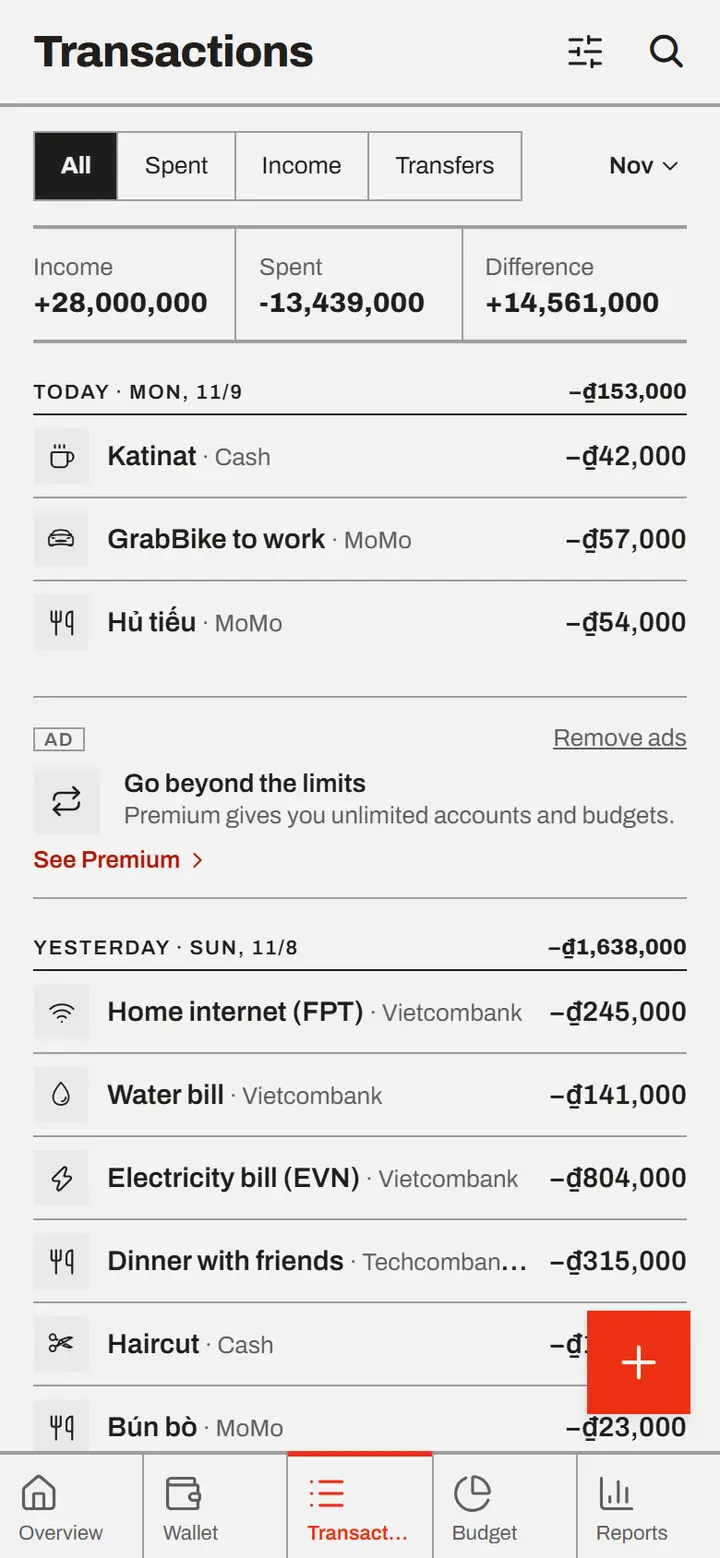
- Find the original expense (Overview › See all, or the account it was paid from) and tap it.
- Tap "Record a refund".
- Type how much came back (up to the original amount) and the wallet it came back into.
- Tap "Save refund". Your spending goes down in the period you got the money back. It is not income.