Moving money between your wallets
ATM withdrawals, topping up an e-wallet, putting money into savings.
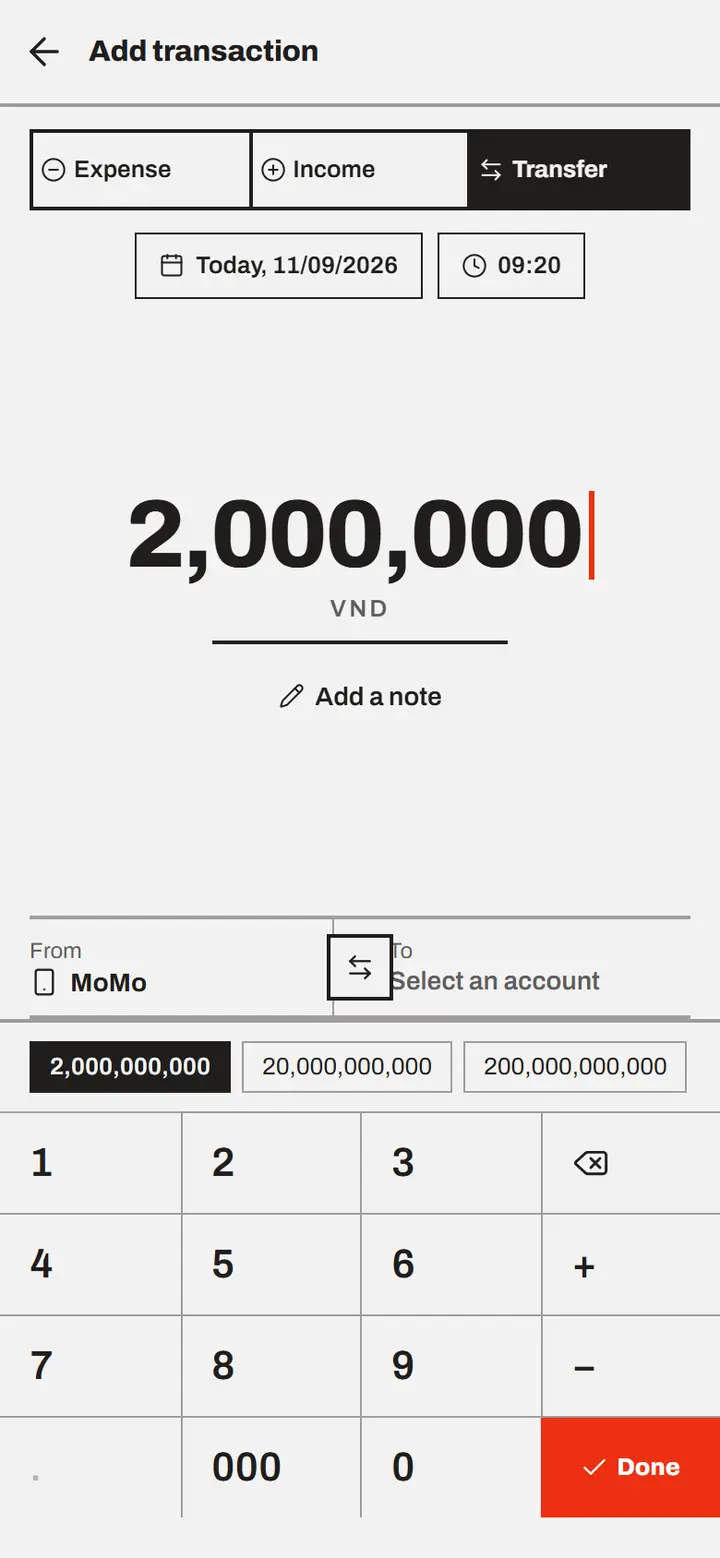
- Tap +, then Transfer at the top.
- Type the amount.
- From: the wallet the money leaves. To: the wallet it lands in.
- If the bank charged a fee, tap "+ Add a fee" and type it. Only the fee counts as spending.
- Tap Save. One balance goes down, the other goes up, and your total stays the same.