Buying on installments (finance company)
A phone or motorbike on installments with Home Credit, FE Credit…
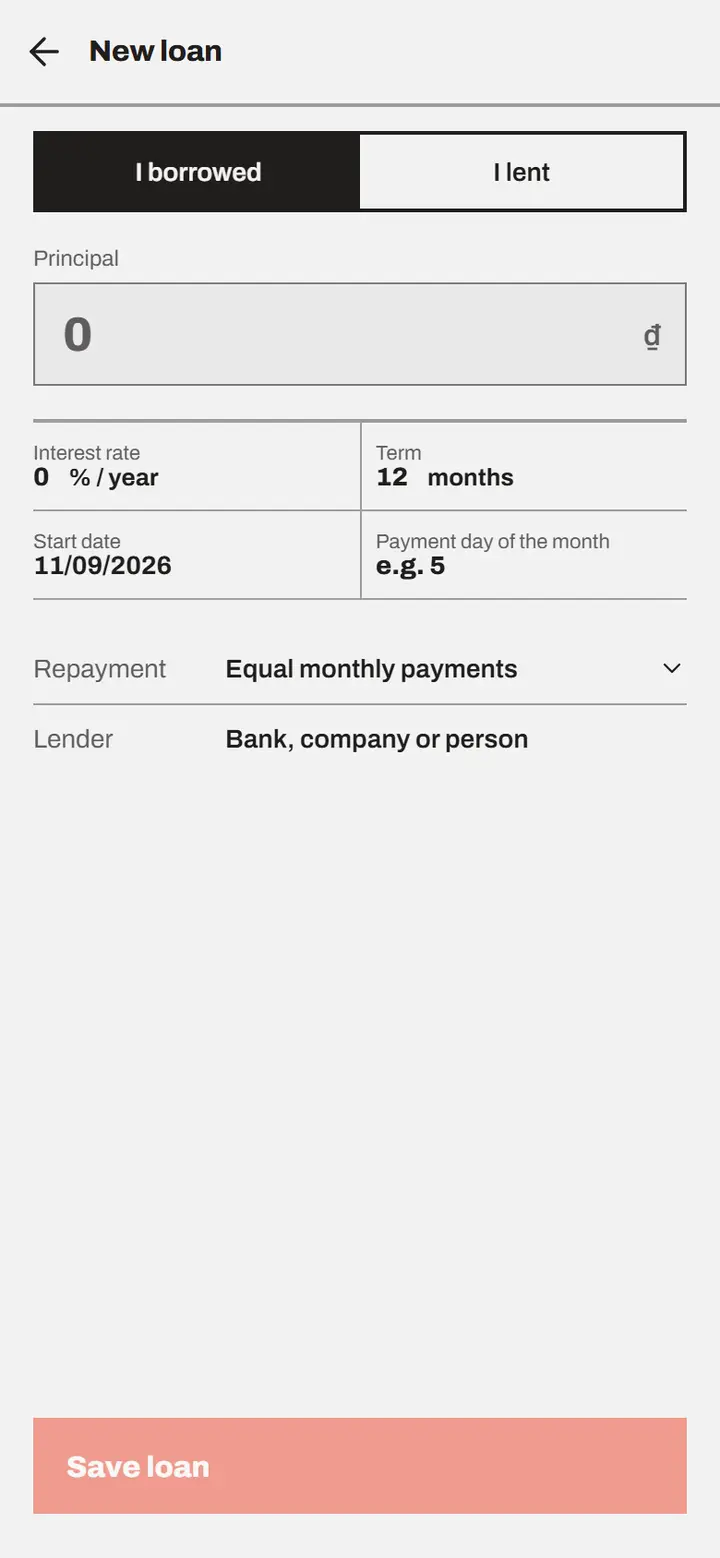
- Accounts tab → + → Type: Loan. Name it (e.g. "iPhone installments").
- Choose "I borrowed". Enter the principal (the amount financed), the interest rate (0 for 0%), the term in months, the repayment method and the payment day. Lender: the finance company.
- Under "Where did the loan money go?", choose "Into a wallet" and pick a wallet. Save. The money arrives in that wallet as a transfer, not income.
- Now record the purchase: + → Expense → the same amount → from that wallet → its category → Save. The wallet is back where it was, the phone counts as spending, and the loan shows what you owe.
- Each month, open the loan and tap "Pay this installment".