Voice entry and receipt scanning
Say what you spent, or take a photo of the bill.
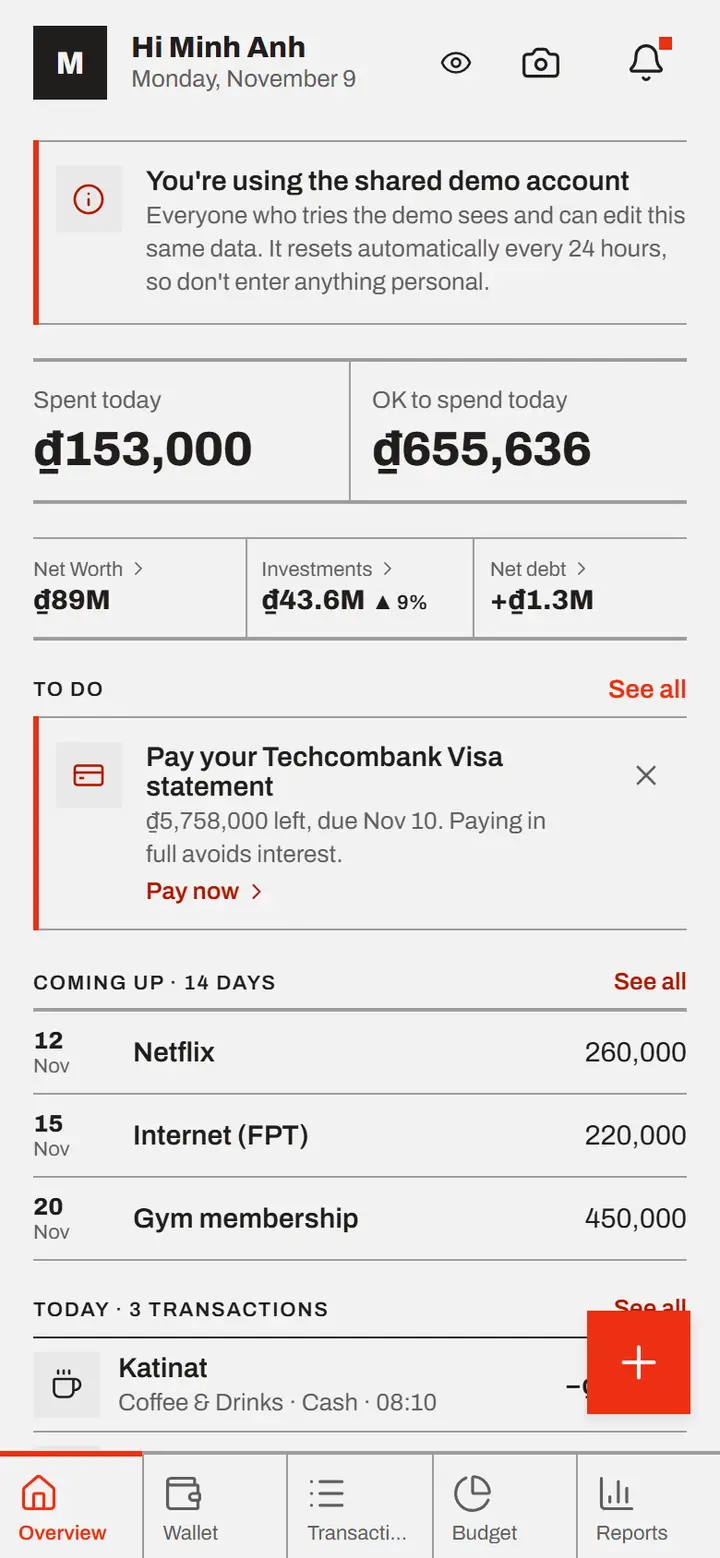
- On Overview, tap Quick entry (or press and hold + → "Add by voice").
- Tap the mic and say it, or type it: "coffee 35k", "groceries 325k on credit card".
- Check the amount, category and account that were filled in, then Save.
- For a bill, tap Scan a receipt (or hold + → "Scan a receipt") and take or pick a photo.
- The add form opens filled in from the receipt. Check it, fix anything that was misread, then Save.